 Oak apple
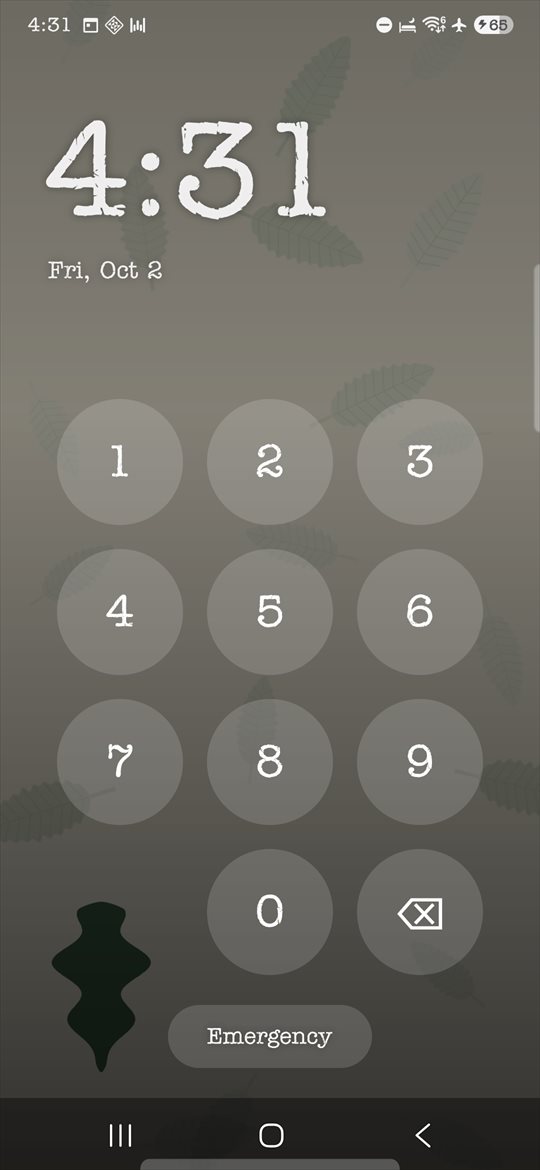
An ordinary home screen, and a code only you know.
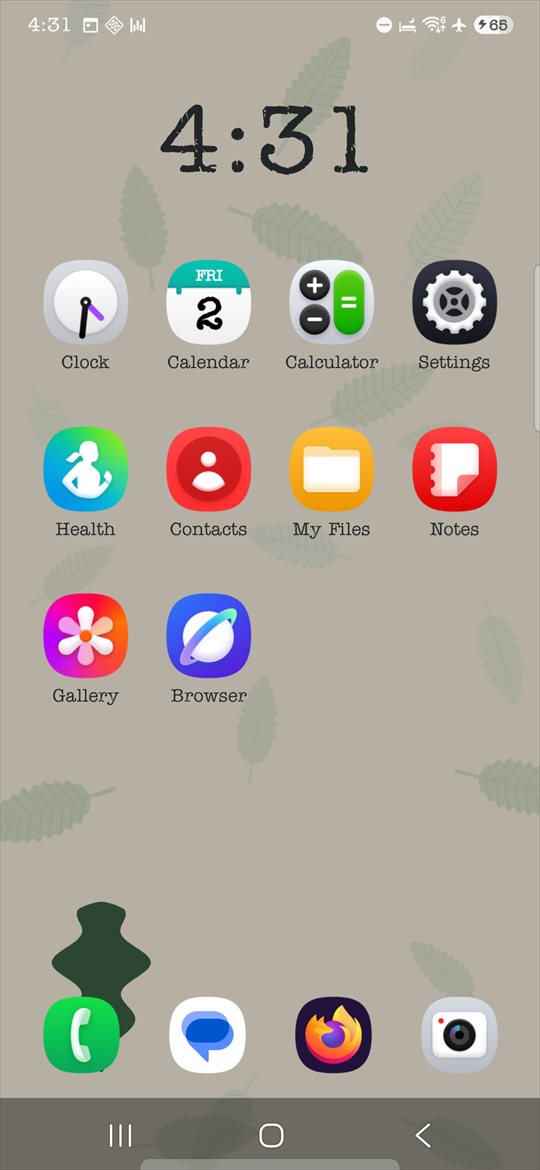
Oak apple replaces your phone's home screen with a plain one, and keeps the apps you choose out of it. What you keep to yourself stays behind a code you set.
No servers
What the app keeps, it keeps on your phone.
No account
Nothing to sign up for, nothing to sign in to.
No analytics
Nothing you do in the app is reported anywhere.
Set up once. Then it just looks like a phone.
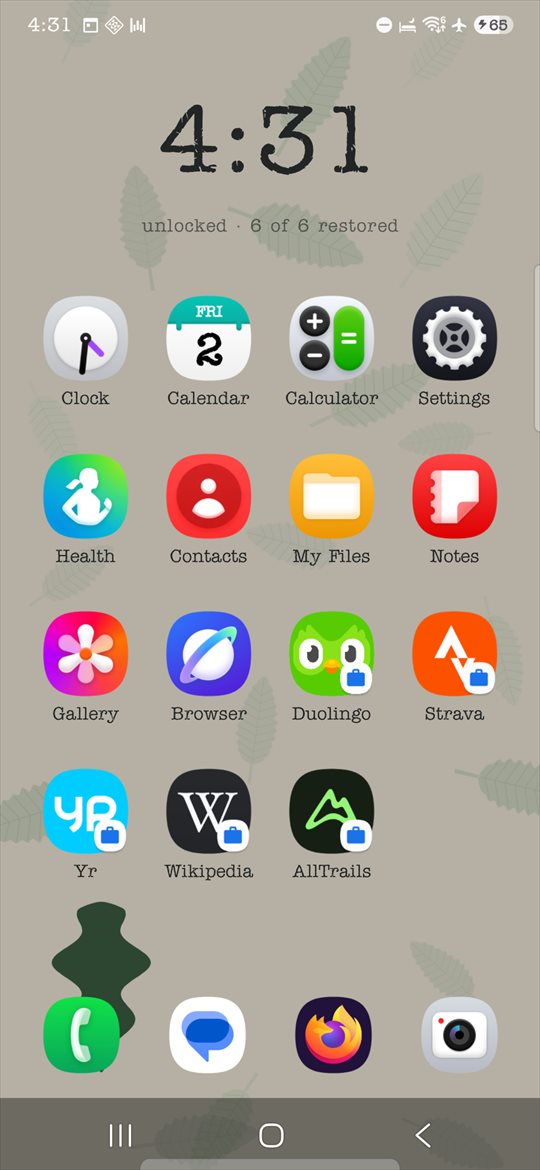
The apps you choose move into an Android work profile. They are not tucked into a folder or dimmed out — they are absent from the home screen until you enter your code.
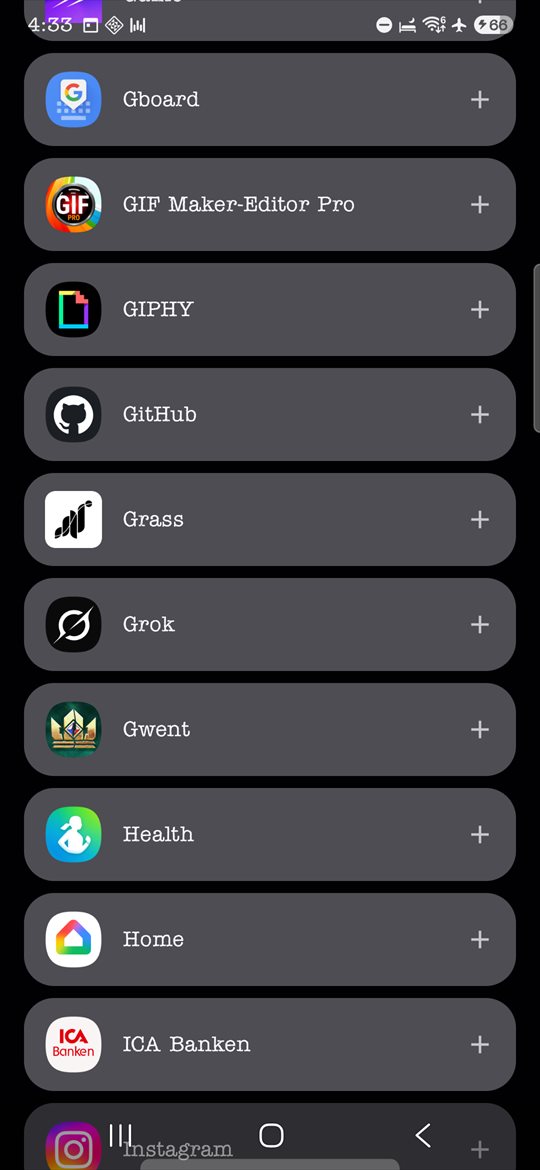
Choose the apps
Pick what lives behind your code. Everything else stays on the home screen as usual.
Set your code
Four to eight digits, yours to pick and yours to change whenever you want.
Use your phone
Leave that space again, and the plain home screen is all there is.
Make it yours.
It is meant to look like nothing in particular, and that includes looking like your own phone.
- The app's own icon and the name under it
- The home screen layout, your folders and what they are called
- The app drawer, and whether its search field is shown
- 12- or 24-hour clock, and the background behind the code pad
- Notification badges on icons
Works with no connection at all.
Nothing is reported anywhere, and what the app keeps, it keeps on your phone. Nothing waits on the network, and no feature switches off when there is no signal. The two exceptions are stated plainly, and only ever happen from behind your code:
- An advertisement on the settings screens, which comes from Google
- The one-time purchase that removes it, which Google Play handles
The privacy policy sets out exactly what each one tells Google, and what it does not.
Let an AI arrange your home screen — without it ever touching your phone.
Oak apple can write down what your phone has and where everything sits. Hand that to an AI assistant along with a sentence about how you want it arranged, and read the answer back.
Two files cross a gap neither side can see across. How that works, and the prompt to copy →
Free, and nothing here is asked for.
If it is useful to you and you want to chip in beyond the one-time purchase, there is a donation page. It unlocks nothing in the app, and the app is never told whether anyone gave — which is rather the point of it.